
How to build BitBucket Cloud add-on in Rails → installation
Time to install our plugin in BitBucket!
First I need to make sure that BitBucket will be able to access our service running locally. For that I'm running ngrok client:
ngrok http 3000
Executing the command will print out the external address service can be accessed, something like https://cf462fda.ngrok.io
Go to https://bitbucket.org/account/user/yourusername/addon-management and click Install add-on from URL
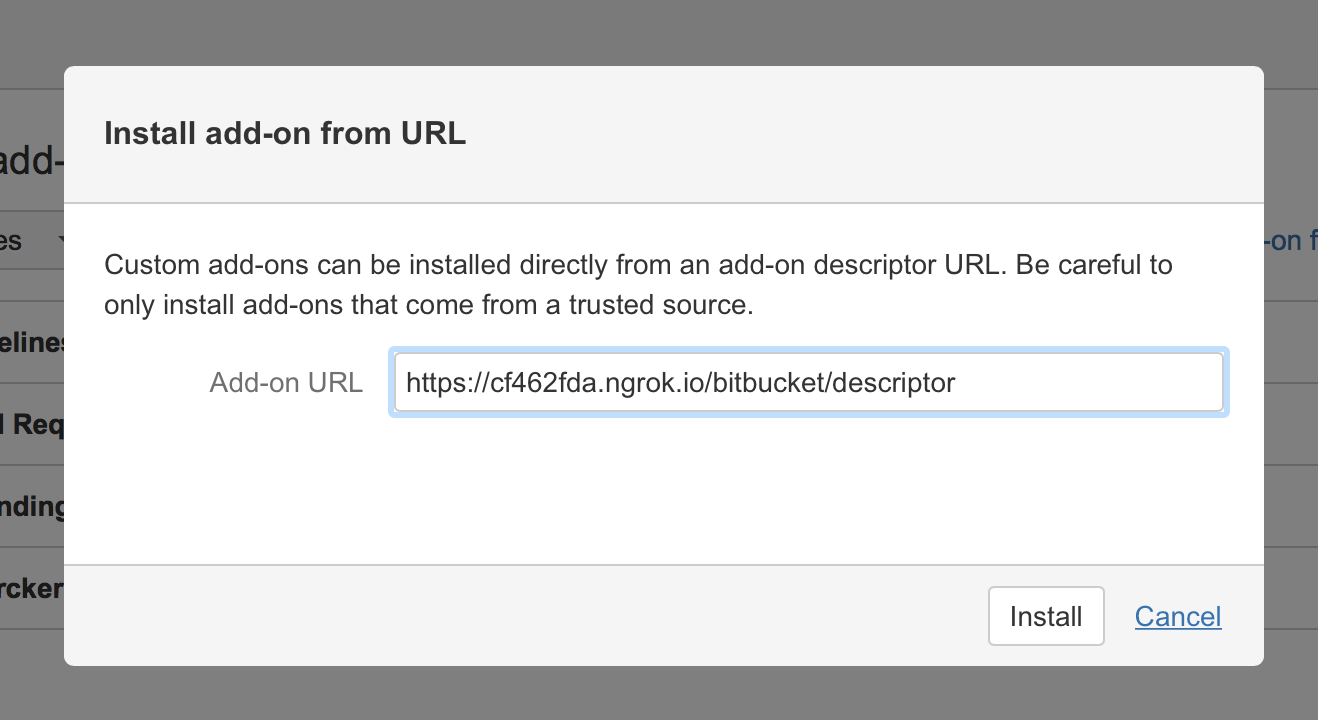
It will fail with following error:
The add-on server returned invalid data. Please contact the add-on vendor for help. Here's the error we encountered - Invalid JSON: u'example.org' does not match '^https://' at baseUrl
When you go [back to the descriptor]({{ '/2016/05/29/building-bitbucket-add-on-in-rails-part-2/#descriptor' | prepend: site.baseurl | prepend: site.url }}) I created you can see that there's an invalid value for "baseUrl": "example.org"
Time to fix that. Change config/initializers/application_controller_renderer.rb
# Be sure to restart your server when you modify this file.

ApplicationController.renderer.defaults.merge!(
  http_host: 'cf462fda.ngrok.io',
  https: true
)
Edit app/controllers/bitbucket_controller.rb:
class BitbucketController < ApplicationController

	def descriptor
		render :descriptor, locals: {
			base_url: 'https://' + ApplicationController.renderer.defaults[:http_host]
		}
	end

end
I hard coded https as BitBucket doesn't support anything else. Try to install again and you will see a new screen:
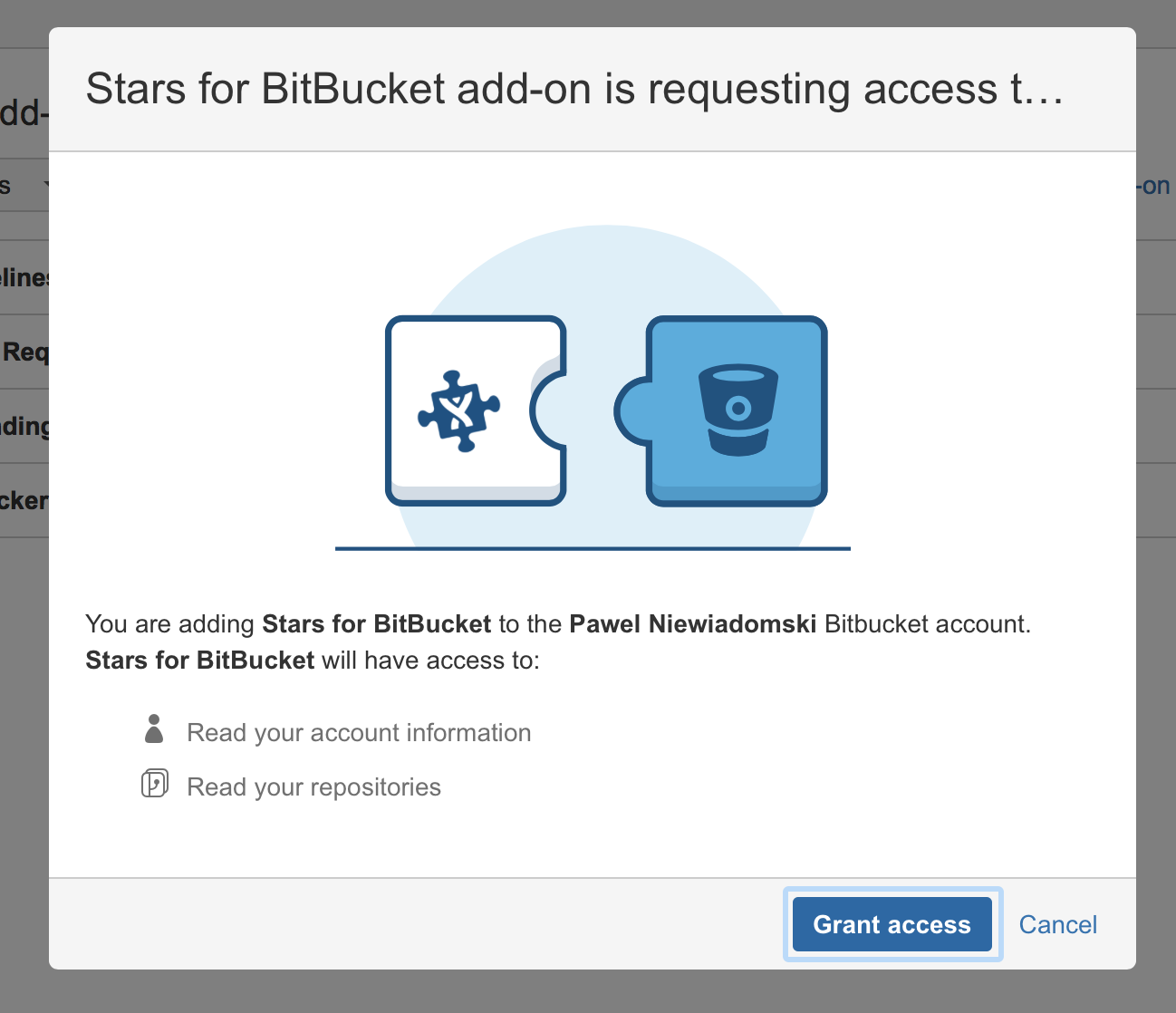
Click Grant Access and you will install the plugin!
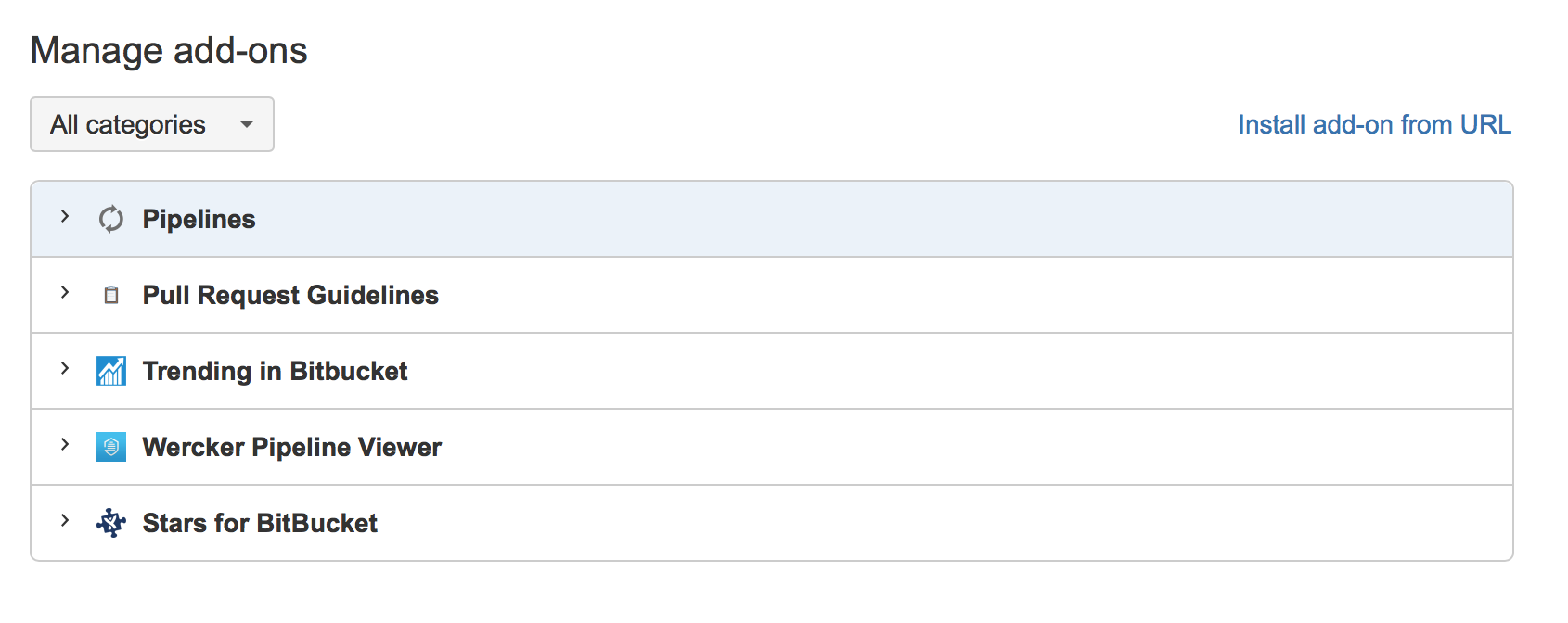
Now that I have the pipeline set up and I can start working on the real thing! That's in the next post.